- Go to the Gmail Filters and blocked addresses page – the link takes you there directly
- At the bottom of the page click the link Create new filter
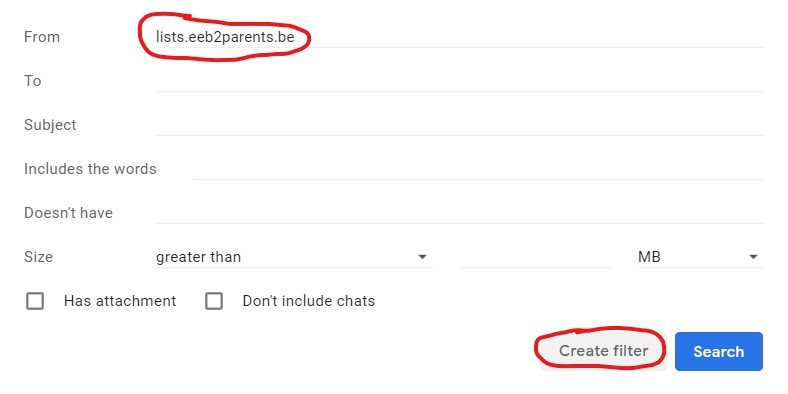
- In the From field type lists.eeb2parents.be
- Click the Create filter button
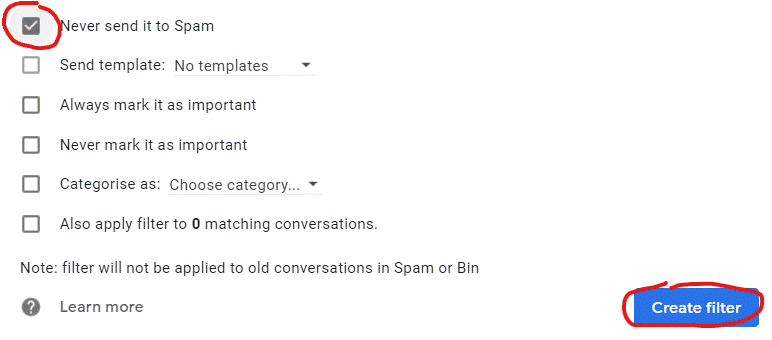
- Check the Never send to SPAM option
- Click the Create filter button