- Got to the Yahoo Filters Settings page – the links takes you there
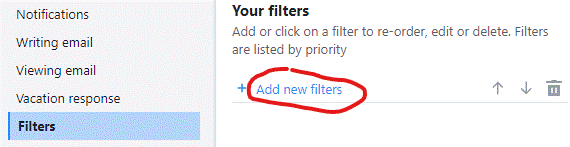
- Under Your filters click the Add new filters link
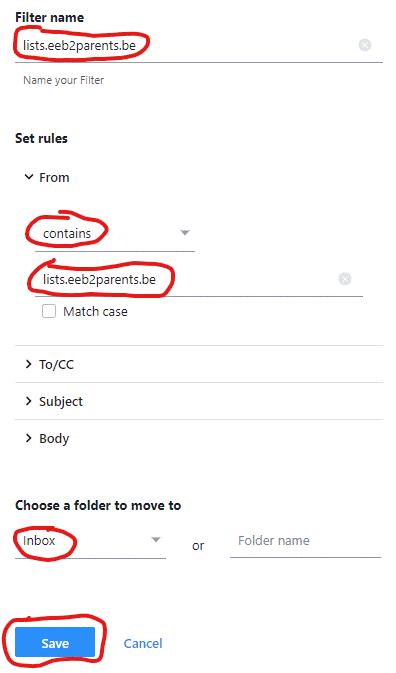
- Under Filter name type lists.eeb2parents.be in the Type a filter name field
- Under Set rules and From, click the Set a filter criterion drop down menu and select Contains
- Type lists.eeb2parents.be in the Type a filter value field
- Under Choose a folder to move to click the Select folder drop down menu and select Inbox
- Click Save